While focusing on targeting and creative for a successful paid media campaign is important, don’t let this detail fall through the cracks… the page you’re actually driving your users to! Paid ads can generate thousands of clicks, but if your landing page is not optimized to convert, your ad spend will disappear fast.
The goal of your campaign’s high-converting landing page should be this – to guide visitors toward one clear action with as little friction as possible. Experts at Unbounce detail in “What’s a good conversion rate? (Based on 41,000 landing pages)” that the median conversion rate for landing pages is 6.6% across all industries i.e. the middle-of-the-pack number, the baseline. Your business can and should strive to do a lot better.
This blog will outline the top 4 most common landing page mistakes hurting conversion rates and what to do instead to outperform that 6.6%.
1. Sending Traffic to the Homepage
This is easily the most common and biggest mistake businesses are making in paid media – directing campaign traffic to a generic homepage instead of a dedicated landing page.
Homepages are built for exploration. They hurt conversions because:
- There are too many navigation options
- The homepage messaging tends to not match the ad creative
- Visitors are easily distracted
- There is no clear next step, resulting in an increase in bounce rates
Instead, paid ads should have campaign-specific landing pages tailored to:
- The exact audience you are targeting
- The offer attached to the ad creative
- The keyword search terms you’re bidding on, or the ad creative itself
- The stage of the funnel
- The exact call-to-action you want visitors to take
2. Cluttered Designs
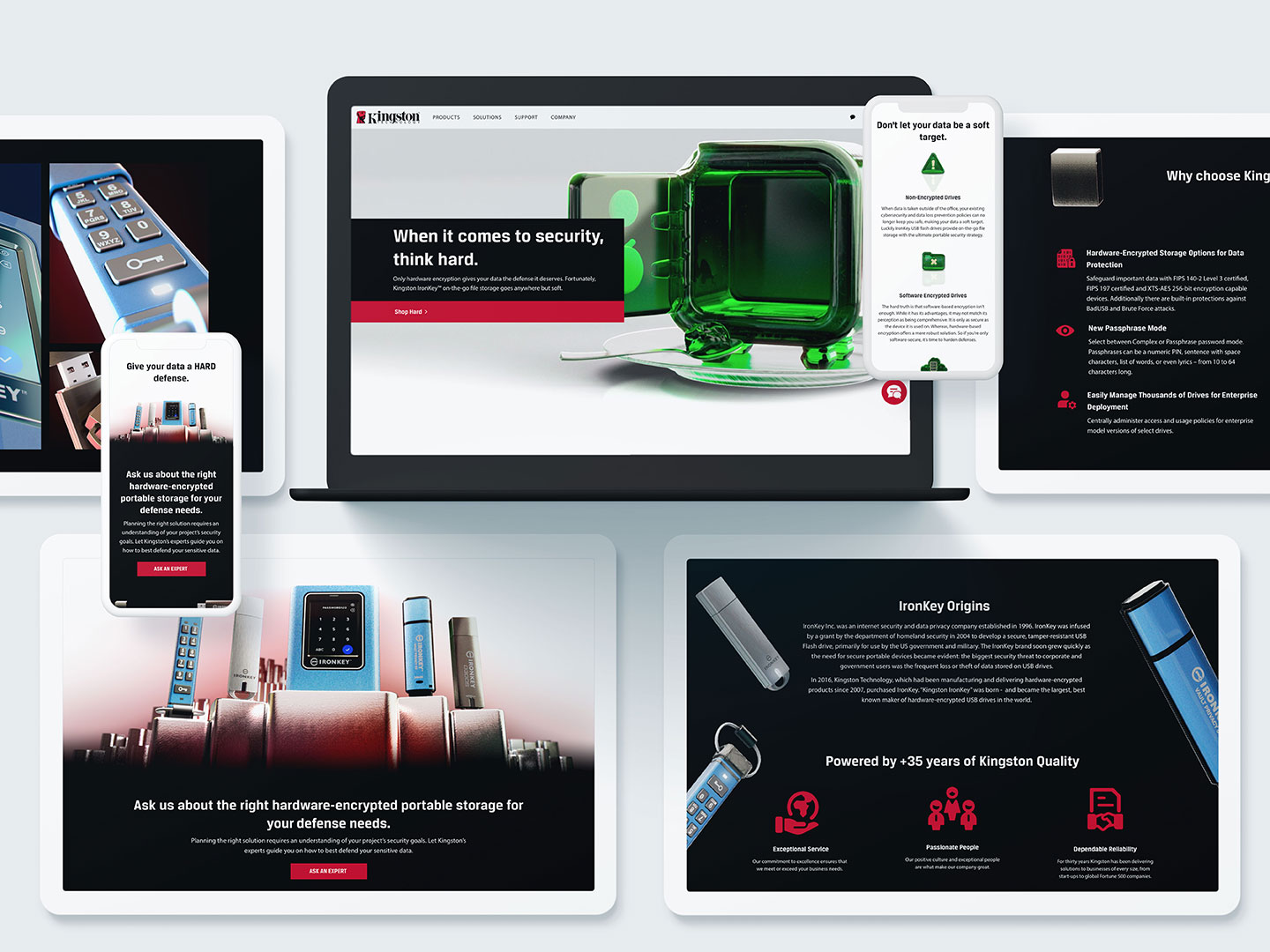
Many times we see businesses trying to do too much visually with their landing pages. Too many colors, sections, animations, endless scrolling, or competing elements that overwhelm the end user.
When building a campaign-specific landing page, it’s best to avoid:
- Excessive text
- Too many graphics
- Multiple style fonts
- Busy layouts
- No visual hierarchy
- Burying the CTA at the end of the page
Instead, prioritize:
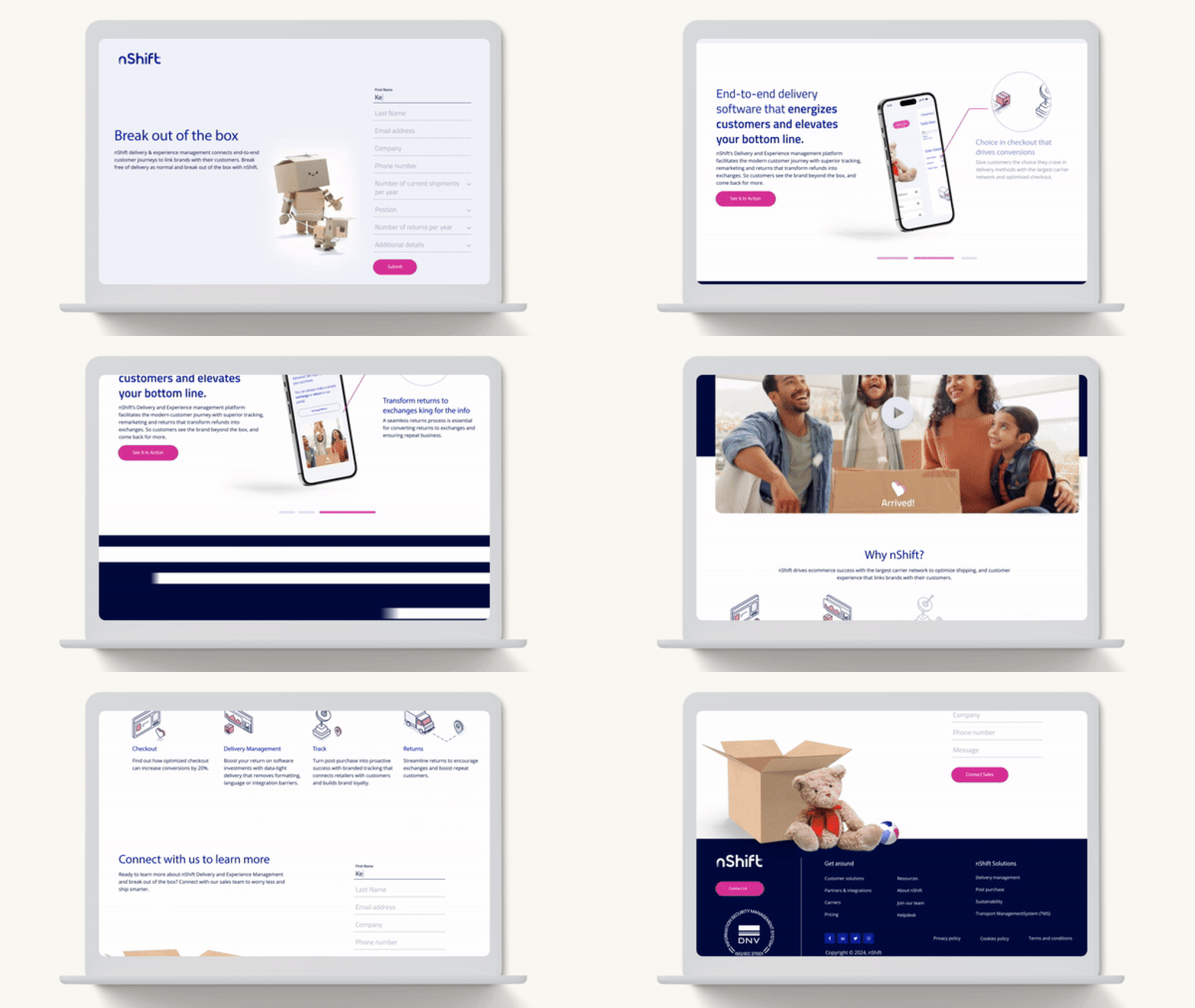
- Clean, simple layouts
- Strong headlines
- Simple navigation
- Shorter pages
- Clear CTA placement above the fold, and again at the end of the page
3. Weak or Confusing Headlines
You only have a few seconds to confirm to visitors they are in the right place. If your headline is vague, unclear, or disconnected from the ad that drove them there, you risk your visitors bouncing quickly.
Avoid headlines with:
- Generic marketing language
- Buzzwords without specifics
- Vague language that doesn’t explain the value proposition
- Language that doesn’t match the ad creative
Your campaign-specific headlines should immediately answer:
- Who it is for
- What it is
- Why visitors should care

4. Slow Page Speed
Page speed directly impacts conversion rates and ad performance. Even just a few seconds can dramatically increase bounce rates. In paid media, you are paying for every click. Don’t waste ad spend on a visitor who leaves before getting the chance to engage.
Common causes of slow page speeds:
- Oversized images
- Too many scripts
- Poor hosting
- Excessive animations
- Unoptimized mobile design
Quick fixes:
- Compress images
- Remove unnecessary plugins
- Use faster hosting
- Minimize Javascript
- Test with mobile-first tools
A successful paid media campaign may start with clicks but it doesn’t end there. True success looks like turning ad traffic into actual revenue via a strong landing page. The businesses getting the best ROI from paid advertising aren’t just focused on running better ads – they’re building better post-click experiences.
Partnering with an experienced creative agency like Bluetext can provide the strategic insights and innovative solutions needed for success in paid advertising. To learn more about how Bluetext can support your brand’s paid digital strategy, contact us today for a consultation.
Recent Posts
Leveraging Data Analytics for Cybersecurity Marketing Success
The Future of Branding: Insights from a Leading Agency
How SEO Evolution is Redefining Digital Marketing for Enterprises
Bluetext’s Recent Work